
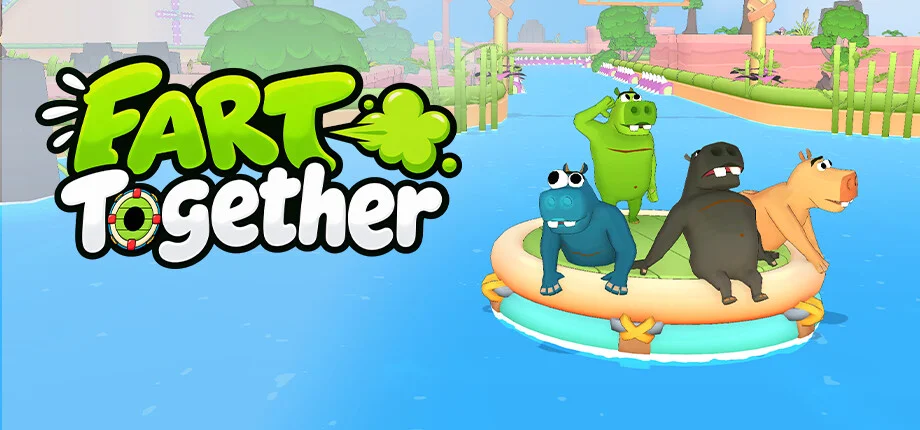
Fart Together Fixes and Troubleshooting Guides
Find troubleshooting guides and fixes for Fart Together on Steam, including solutions for graphics issues, performance optimization, mouse sensitivity, and online co-op connectivity.
Welcome to the Fart Together fixes and troubleshooting hub. Here you will find helpful guides designed to resolve common technical hurdles on Windows PCs and the Steam release.
Browse our articles to learn how to fix graphics bugs, adjust performance settings, troubleshoot camera and mouse sensitivity, and resolve online co-op matchmaking errors.
Fart Together Fixes and Troubleshooting Articles
Fart Together Demo Graphics Not Working? Quick Troubleshooting Guide
Troubleshooting Fart Together demo graphics not working? Discover proven fixes for visual bugs, resolution glitches, and performance drops.
Read moreFart Together Mouse Sensitivity: What to Expect and How to Adjust
Looking for the Fart Together mouse sensitivity settings? Learn what the Steam release offers, how to troubleshoot camera speed, and what to expect.
Read moreFart Together Online Fix: Troubleshooting Co-Op Connectivity and Session Errors
Having trouble connecting with friends? Learn how to apply the Fart Together online fix, resolve matchmaking errors, and enjoy seamless co-op gameplay.
Read moreHow to Adjust Fart Together Graphics Settings for Better Performance
Learn how to optimize Fart Together graphics settings to boost frame rates, enhance visual quality, and fix performance drops on Windows PCs.
Read more